

TAXPAYER IDENTIFICATION & CERTIFICATIONForm W-9.
Form W-9.
Taxpayer details, ready to share.
Bring your taxpayer name, classification, address and identification number together on a W-9 for the business requesting it.
$9.99USD per form
Complete PDF · Preview free
Pay when ready to download
Current IRS revision: March 2024 · Used in 2025 and 2026
YOUR W-9 PREVIEWOriginal IRS certificate
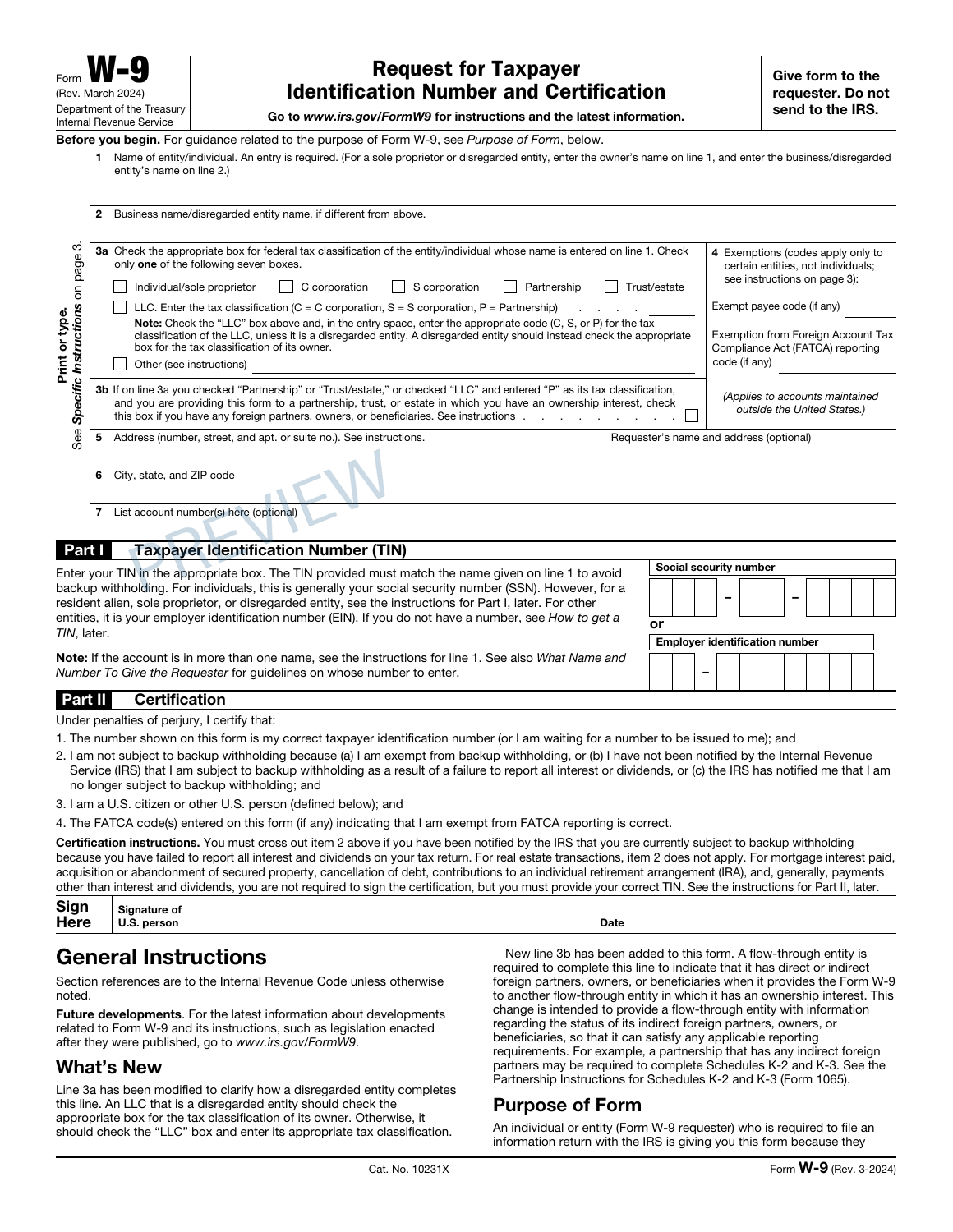
✓ Live preview✓ Optional drawn signature✓ Private order access
PREPARE WITH YOUR RECORDS
Before you create your W-9.
A W-9 gives a requester the taxpayer information needed for its records. Take care to use the name and identification number that belong together.
Federal tax classification and address
SSN or EIN and applicable certification details
THE DOCUMENT AND ITS LIMITS
Your PDF. Its purpose.
The download contains the completed taxpayer certificate and all six original IRS pages. Enter the taxpayer name, classification and identification number, add optional requester details when needed and choose to sign after printing or use the supported drawn-signature option.
The service does not obtain or verify a TIN, file the certificate with the IRS or send it to the requester.
Check the official IRS W-9 information and instructions for filing requirements and supporting worksheets.
A FEW POINTS TO CHECKW-9 questions,
W-9 questions,
before you begin.
Who receives the completed W-9?
Give it to the person or business that requested your taxpayer information. Review the certification before signing and use an appropriate delivery method for the identification number on the form.
How can I check the W-9 before purchasing?
Complete the required entries and inspect the available preview pages. Reconcile the names, dates and figures with your source records before continuing to checkout.
What does the W-9 PDF cost?
$9.99 USD covers one form prepared with this builder. Review the supported edition, your entries and the complete order total before paying.
Can I return to this W-9 later?
Use Save for later to create a private editing link valid for 30 days. Completed-order access lasts 90 days. Keep those links secure and download your finished PDF for your own records.
FROM YOUR RECORDS TO A REVIEWED PDF
Open the builder Prepare your W-9.
Start with your records. Check the preview. Complete your document when it is ready.