

MISCELLANEOUS INFORMATIONForm 1099-MISC.
Form 1099-MISC.
Different payments. Distinct boxes.
Give miscellaneous payment records a clear place on Form 1099-MISC. Add the parties, enter amounts in the appropriate categories and inspect your preview.
$9.99USD per form
Complete PDF · Preview free
Pay when ready to download
Available tax years: 2025 and 2026 · Preview before checkout
YOUR 1099-MISC PREVIEWCopy B · Recipient
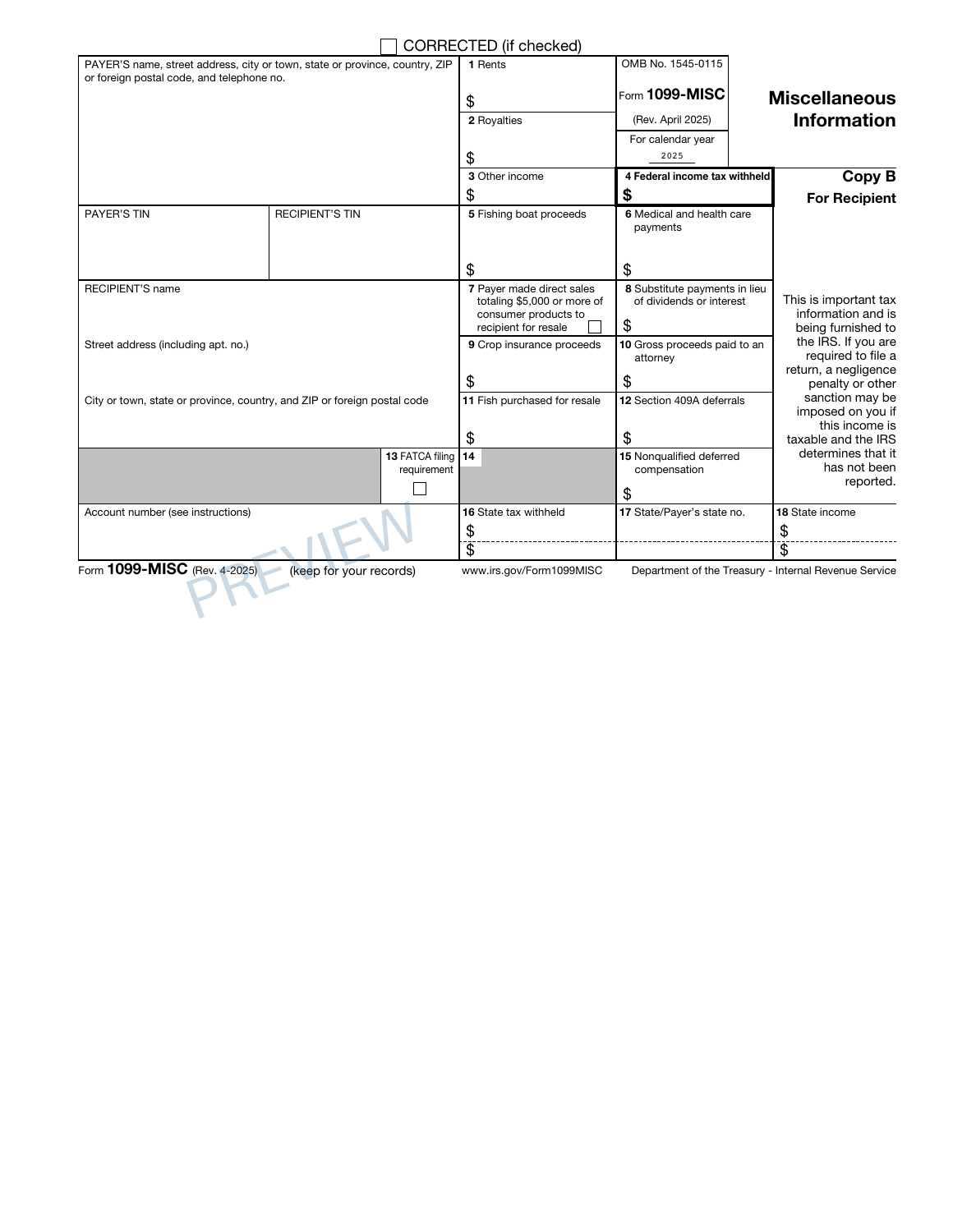
Your payment records, clearly presented.
✓ Preview every page✓ Correct IRS revision for each year✓ Private order access
PREPARE WITH YOUR RECORDS
Before you create your 1099-MISC.
The category matters as much as the total. Work from payment records that identify what each amount represents instead of putting unrelated payments into one box.
Payment totals grouped by reporting category
Federal and state withholding records
THE DOCUMENT AND ITS LIMITS
Your PDF. Its purpose.
Prepare the payer and recipient information alongside the miscellaneous payment categories and recorded withholding. The preview shows where each amount appears so you can check the statement copies before completing your purchase.
Taxability, payment classification, withholding calculations and submission are outside this document preparation service.
Check the official IRS 1099-MISC information and instructions for filing requirements and supporting worksheets.
A FEW POINTS TO CHECK1099-MISC questions,
1099-MISC questions,
before you begin.
Should I combine all miscellaneous payments into one amount?
Check the reporting categories before entering the figures. Different kinds of payments can belong in different boxes, so keep the category breakdown in your source records available when reviewing the statement.
How can I check the 1099-MISC before purchasing?
Complete the required entries and inspect the available preview pages. Reconcile the names, dates and figures with your source records before continuing to checkout.
What does the 1099-MISC PDF cost?
$9.99 USD covers one form prepared with this builder. Review the supported edition, your entries and the complete order total before paying.
Can I return to this 1099-MISC later?
Use Save for later to create a private editing link valid for 30 days. Completed-order access lasts 90 days. Keep those links secure and download your finished PDF for your own records.
FROM YOUR RECORDS TO A REVIEWED PDF
Open the builder Prepare your 1099-MISC.
Start with your records. Check the preview. Complete your document when it is ready.