Your company identity
Use the optional company logo, contact information and repeating PDF footer to identify the organization behind the offer.
Create an employment offer letter that sets out the role, compensation and start date. Choose a design, adjust the wording and review every term before sharing it.
Create a clear, professional offer letter. Your words, your company, your style.
Choose from four professional designs.
PDF download · Preview free · Pay when ready to download
Switch designs anytime—your details stay saved.
Look through the designs, preparation steps and tool questions before writing the employment offer.
Choose a presentation that suits the offer, from a traditional letter to a more structured summary of the role and terms.
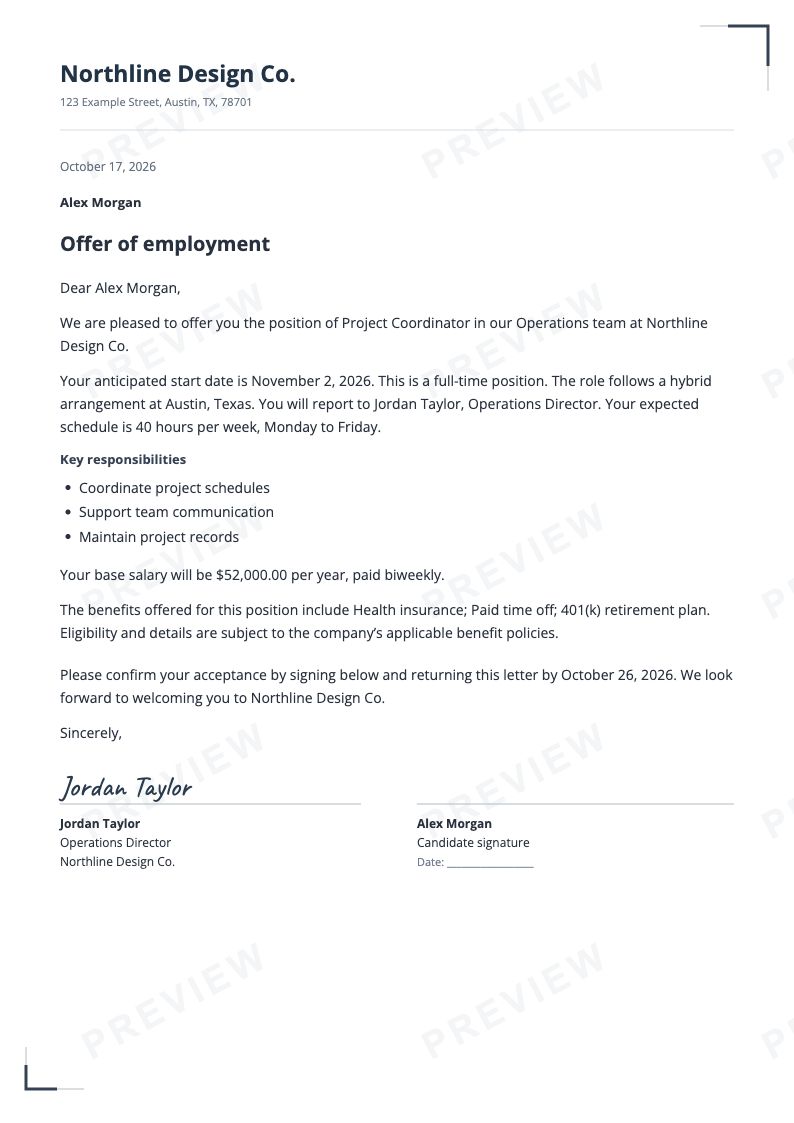
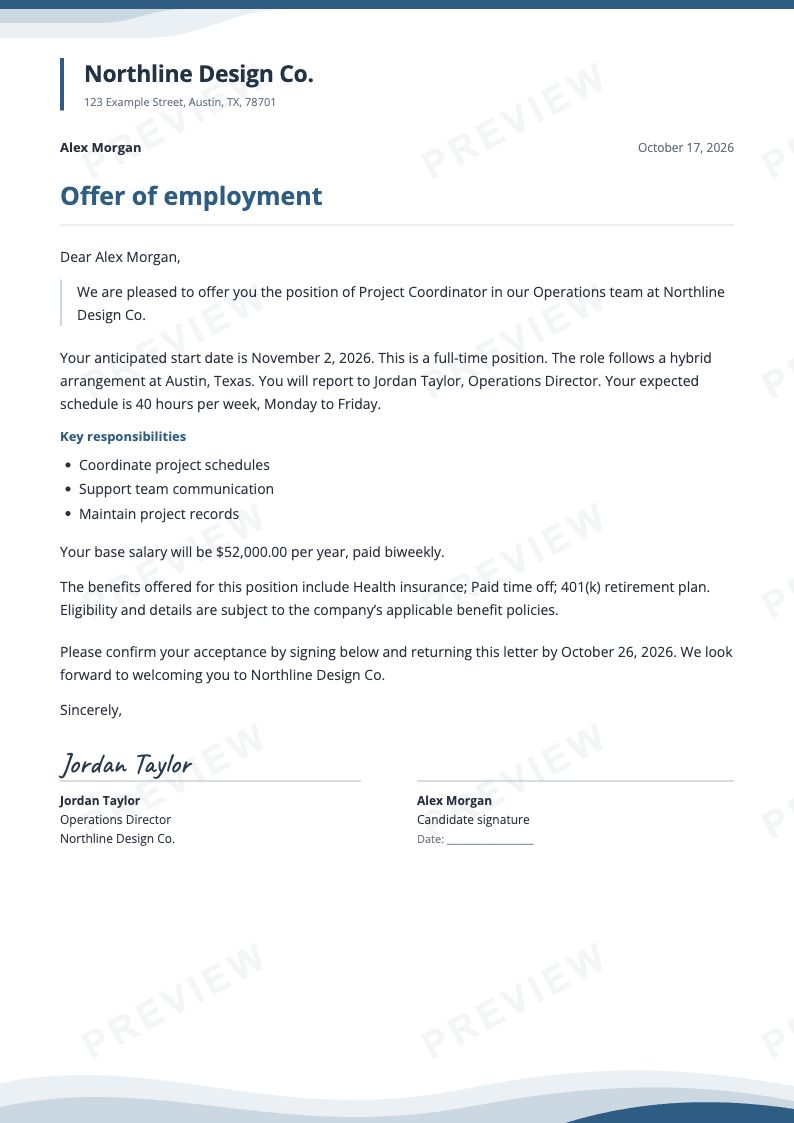
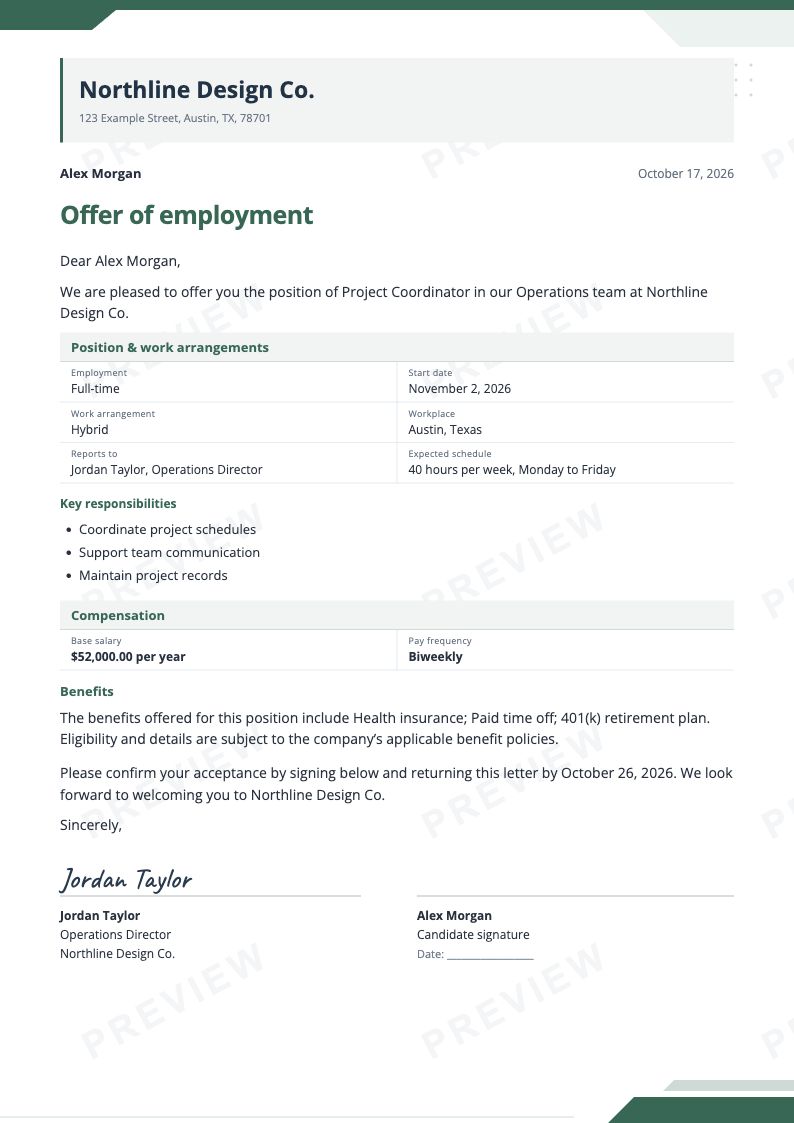
Gather the agreed details, shape the presentation and inspect the offer as a complete document.
Actual product screenshots · Fictional example details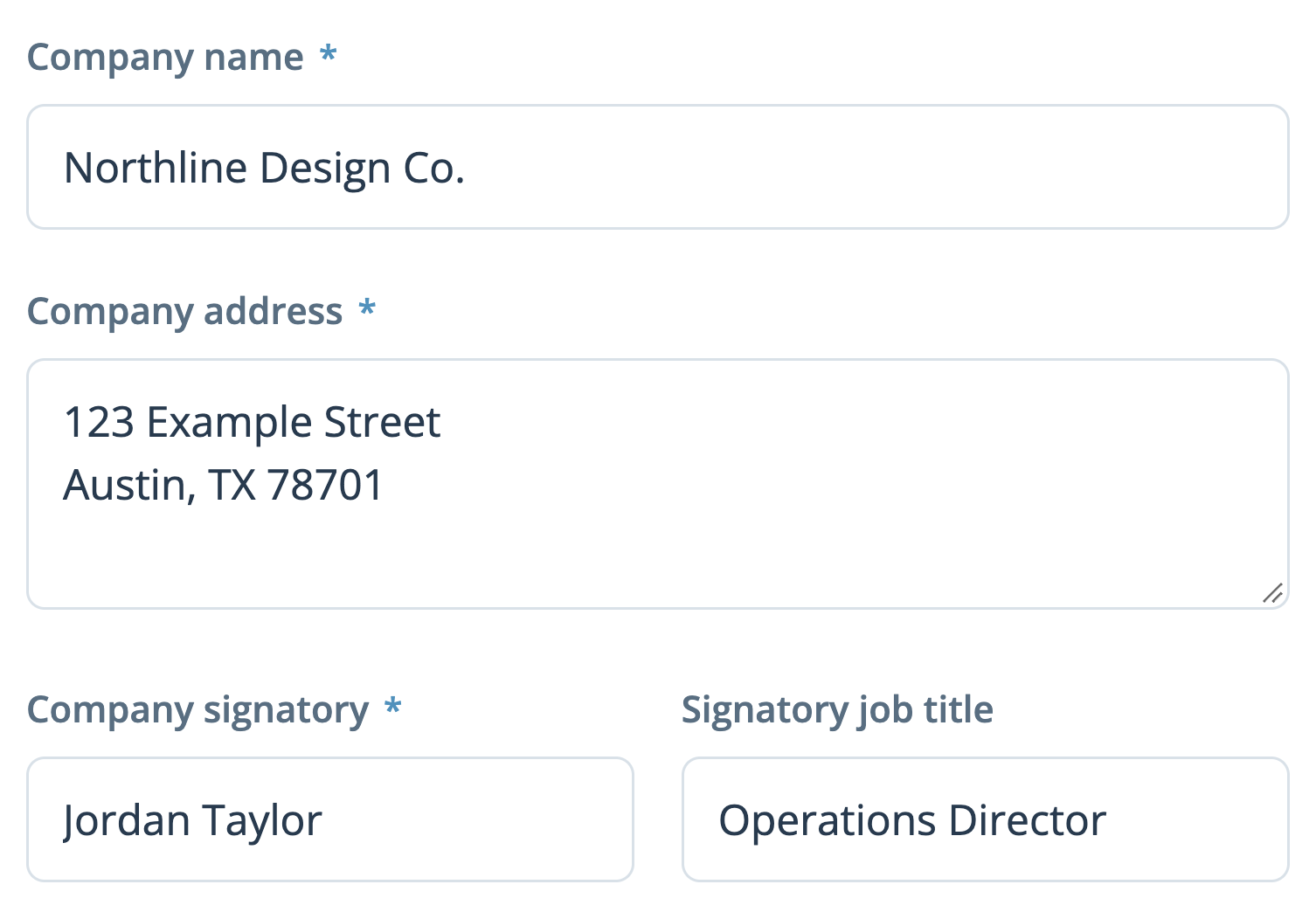
Name the company and candidate, then enter the position, dates and compensation approved for the offer.
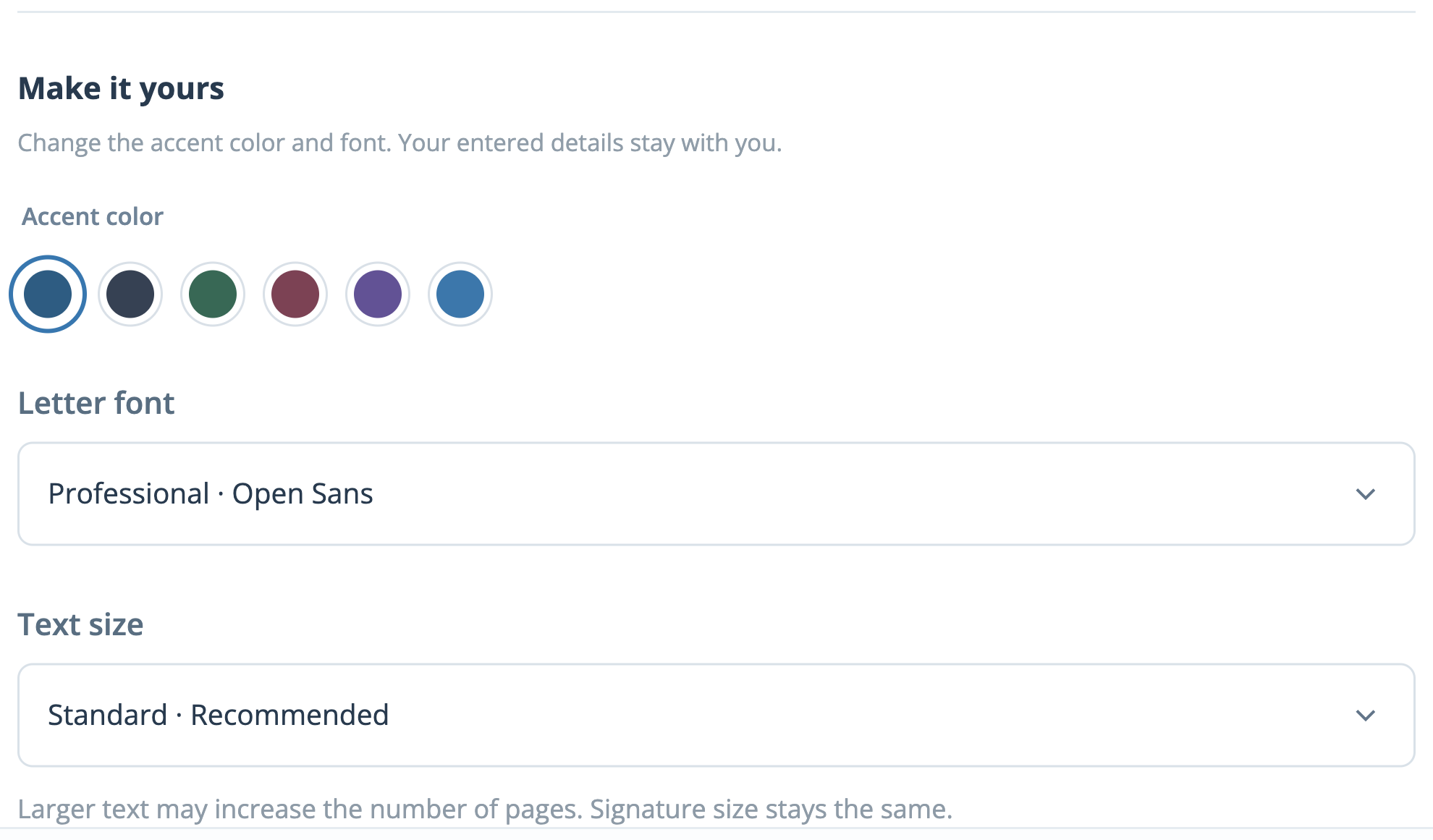
Pick the layout, add company branding and edit individual passages where the proposed terms need your own wording.
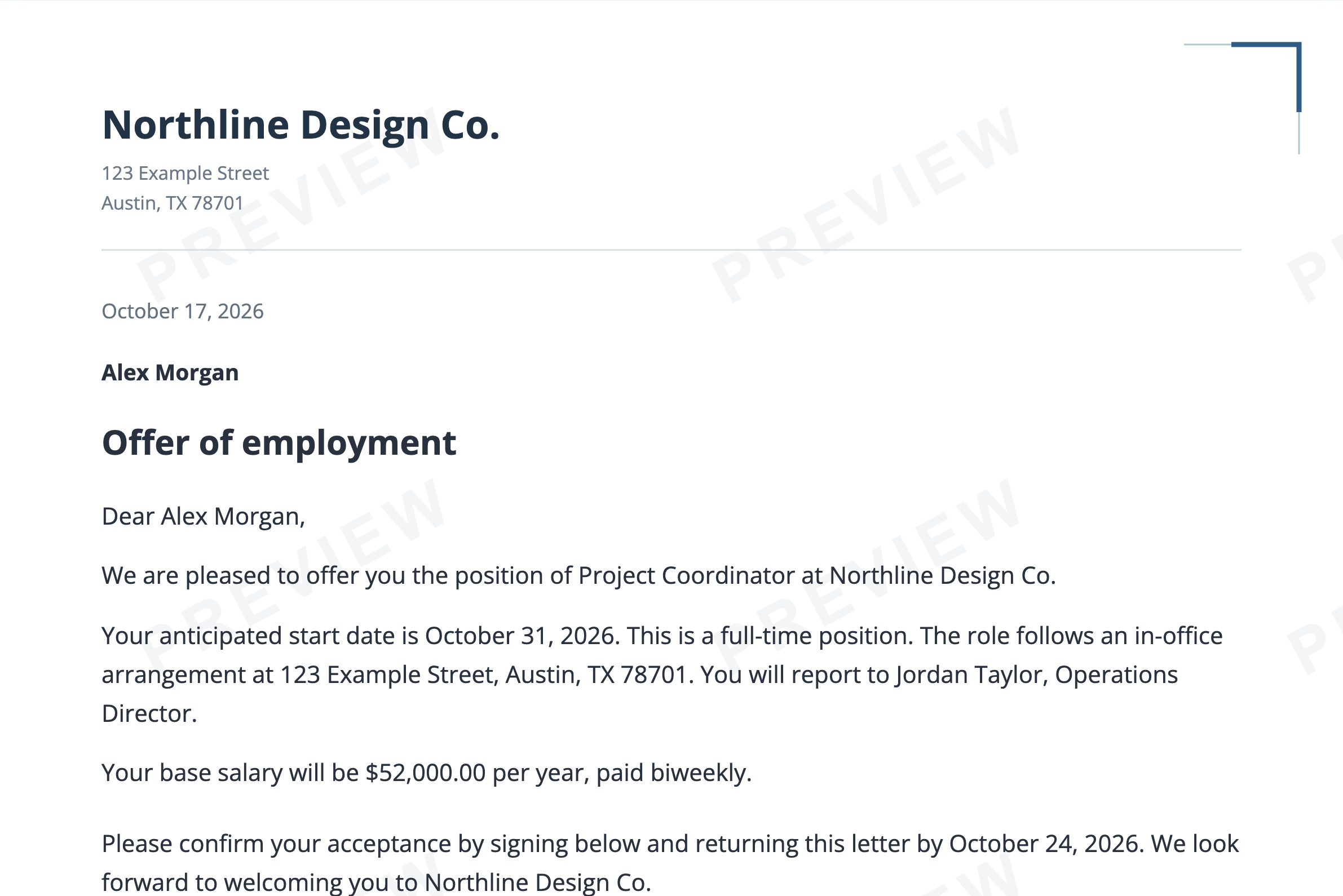
Read the preview and open the PDF view before purchasing. Keep the completed letter as a downloadable PDF.
Include the information that makes this particular offer clear to the candidate.
Use the optional company logo, contact information and repeating PDF footer to identify the organization behind the offer.
Compare Essential, Modern, Executive and Letterhead, then adjust the accent color, font and text size.
Set out the pay basis and frequency alongside the work arrangement, expected hours and schedule.
Treat suggested paragraphs as a starting point. Edit the sections to reflect the terms your company intends to offer.
Select a blank signature line, a styled typed name or a drawn or uploaded company signature, then check its appearance.
Inspect both the screen and PDF previews. Save a private draft link when you need to return to an unfinished letter.
Check these points about the design, wording and review process before completing the letter.
The four designs use the same offer details. Switching between them preserves the entries and wording you have already customized.
Open Customize the wording in Review to change a section individually. After changing the underlying offer information, check custom paragraphs again so their wording still agrees.
Once the required company, candidate and offer details are complete, select Open PDF preview. That preview carries a watermark; the PDF provided after completion does not display PREVIEW.
The candidate email is for your records, not an automatic delivery address, and is not printed in the letter. Your checkout delivery email is separate. Share the finished offer with the candidate yourself.
The current tab keeps your progress while you work. Save for later also creates a private 30-day editing link. Keep it secure because someone with the link can edit the unfinished offer.
Make changes in the form before completing the order. Completed letters are locked there; ask support about any correction and provide the order reference.