

NONEMPLOYEE COMPENSATIONForm 1099-NEC.
Form 1099-NEC.
Contractor payments, accounted for.
Organize nonemployee compensation in a 1099-NEC statement using the payment information in your business records.
$9.99USD per form
Complete PDF · Preview free
Pay when ready to download
Available tax years: 2025 and 2026 · Preview before checkout
YOUR 1099-NEC PREVIEWCopy B · Recipient
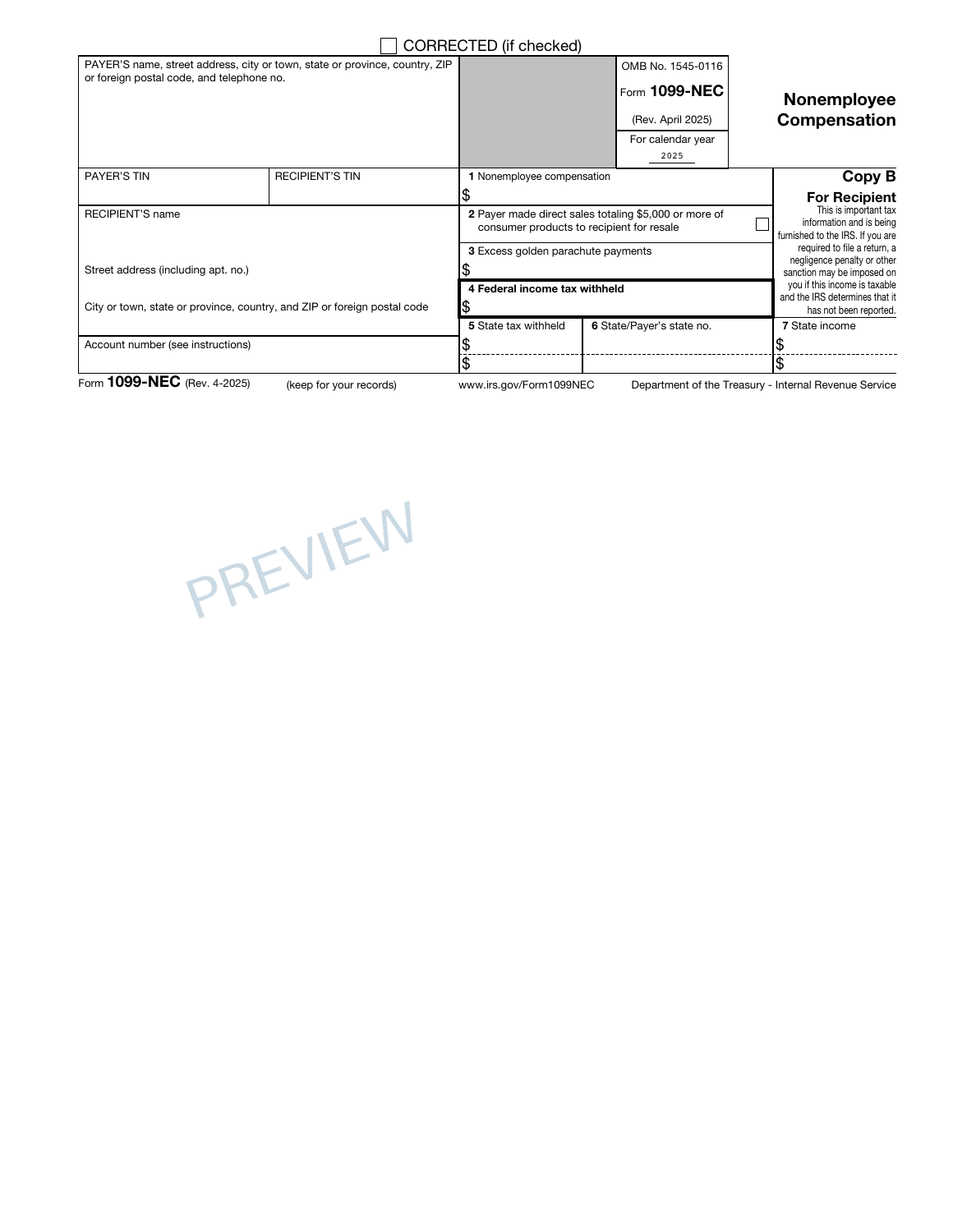
Your payment records, clearly presented.
✓ Preview every page✓ Correct IRS revision for each year✓ Private order access
PREPARE WITH YOUR RECORDS
Before you create your 1099-NEC.
Start with the payer's records and the recipient's taxpayer information. Keep payment classification separate from preparing the form so each amount goes in the intended box.
Recipient identity, address and TIN
Nonemployee compensation and any recorded withholding
THE DOCUMENT AND ITS LIMITS
Your PDF. Its purpose.
The statement package places payer and recipient details beside the nonemployee compensation and withholding amounts supplied from your records. Review the available copies so the identity and payment entries agree throughout the document.
The builder does not calculate withholding, verify the parties’ tax information or submit an information return. Payment classification and filing remain separate responsibilities.
Check the official IRS 1099-NEC information and instructions for filing requirements and supporting worksheets.
A FEW POINTS TO CHECK1099-NEC questions,
1099-NEC questions,
before you begin.
Will the builder decide whether a payment belongs on 1099-NEC?
No. Establish the reporting category from your records and the applicable instructions before entering an amount. The tool arranges nonemployee compensation information on the selected form; it does not classify a worker or a payment for you.
How can I check the 1099-NEC before purchasing?
Complete the required entries and inspect the available preview pages. Reconcile the names, dates and figures with your source records before continuing to checkout.
What does the 1099-NEC PDF cost?
$9.99 USD covers one form prepared with this builder. Review the supported edition, your entries and the complete order total before paying.
Can I return to this 1099-NEC later?
Use Save for later to create a private editing link valid for 30 days. Completed-order access lasts 90 days. Keep those links secure and download your finished PDF for your own records.
FROM YOUR RECORDS TO A REVIEWED PDF
Open the builder Prepare your 1099-NEC.
Start with your records. Check the preview. Complete your document when it is ready.