

WAGE & TAX STATEMENTForm W-2.
Form W-2.
Annual wages, clearly recorded.
Turn a year's payroll records into a W-2 you can review box by box. Enter the employer, employee, wage and withholding information for the available tax year.
$9.99USD per form
Complete PDF · Preview free
Pay when ready to download
Available tax year: 2025 · Preview before checkout
YOUR W-2 PREVIEWCopy 1 · 2025
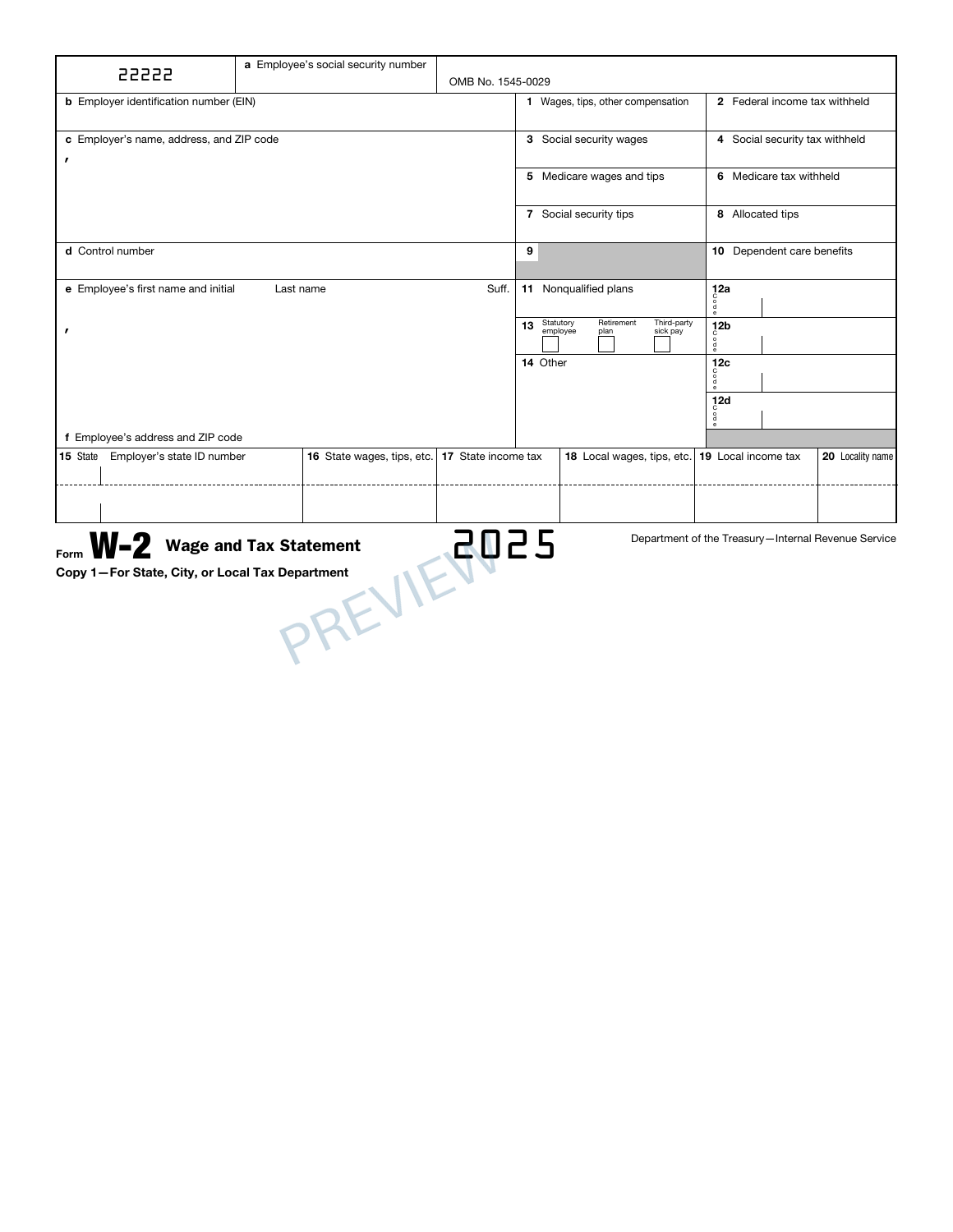
A familiar form. Your details, entered clearly.
✓ Preview before checkout✓ One complete PDF packet✓ Private order access
PREPARE WITH YOUR RECORDS
Before you create your W-2.
A W-2 summarizes employee wages and taxes withheld for a calendar year. Use reconciled payroll figures rather than estimating annual amounts from a single paycheck.
Employee identity and address
Annual wages and federal, state and local withholding
THE DOCUMENT AND ITS LIMITS
Your PDF. Its purpose.
The original 11-page packet contains your entries on Copies 1, B, C, 2 and D. The red Copy A remains blank. Inspect the available copies and reconcile the wage and withholding boxes with year-end payroll records before buying the PDF.
The service does not file with the SSA, IRS or a state tax agency. The blank red Copy A is not a copy to use for SSA filing. Preparing this document does not verify the payroll records or complete the employee’s tax return.
Check the official IRS W-2 information and instructions for filing requirements and supporting worksheets.
A FEW POINTS TO CHECKW-2 questions,
W-2 questions,
before you begin.
Can a pay stub take the place of a W-2?
They serve different purposes. A pay stub describes a paycheck and its cumulative totals; a W-2 reports annual wage and tax information. Prepare the W-2 from reconciled year-end records, checking each box rather than copying a single pay stub total.
How can I check the W-2 before purchasing?
Complete the required entries and inspect the available preview pages. Reconcile the names, dates and figures with your source records before continuing to checkout.
What does the W-2 PDF cost?
$9.99 USD covers one form prepared with this builder. Review the supported edition, your entries and the complete order total before paying.
Can I return to this W-2 later?
Use Save for later to create a private editing link valid for 30 days. Completed-order access lasts 90 days. Keep those links secure and download your finished PDF for your own records.
FROM YOUR RECORDS TO A REVIEWED PDF
Open the builder Prepare your W-2.
Start with your records. Check the preview. Complete your document when it is ready.