W-2 builder
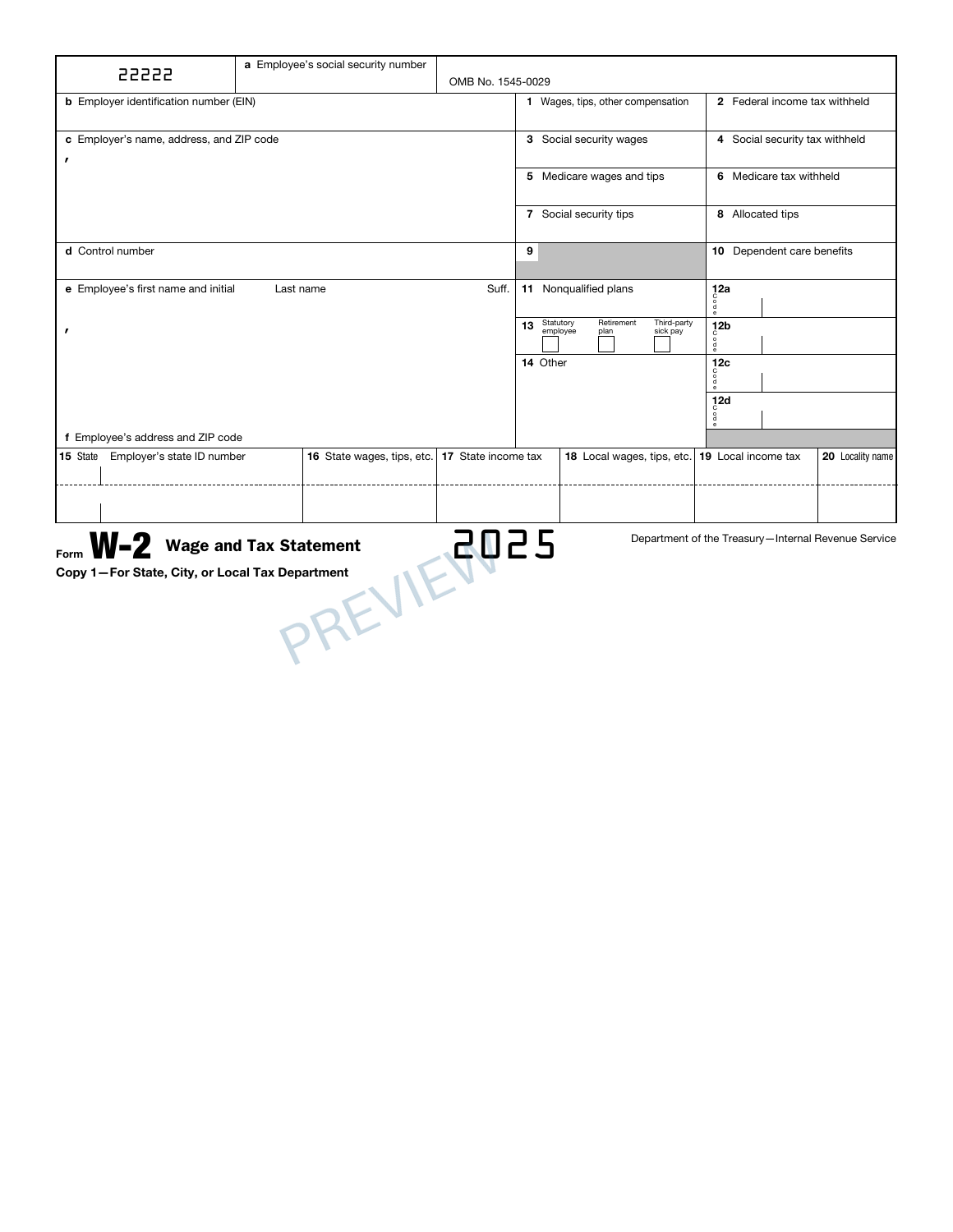
Organize annual wages and withholding in a clear, ready-to-review statement.
- Wage & withholding details
- Federal & state information

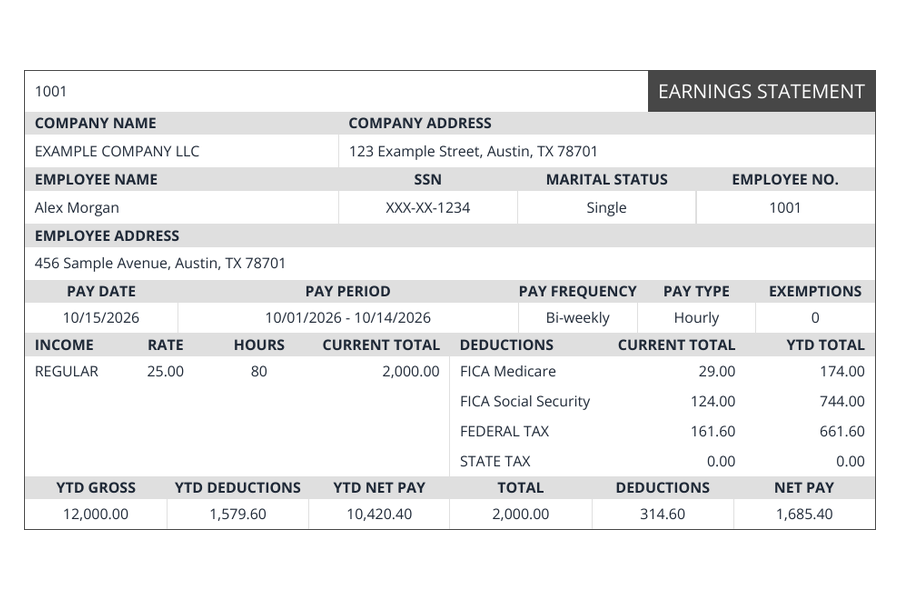
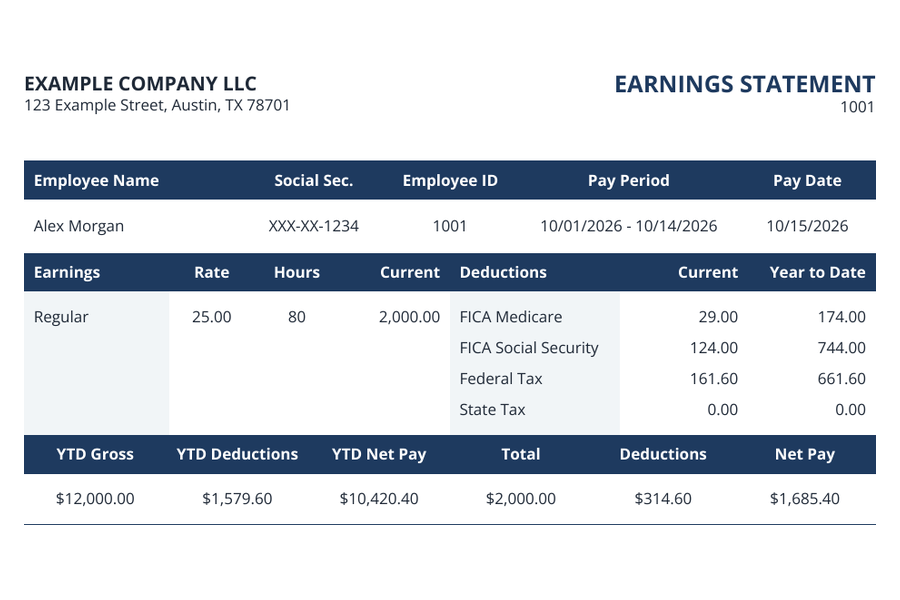
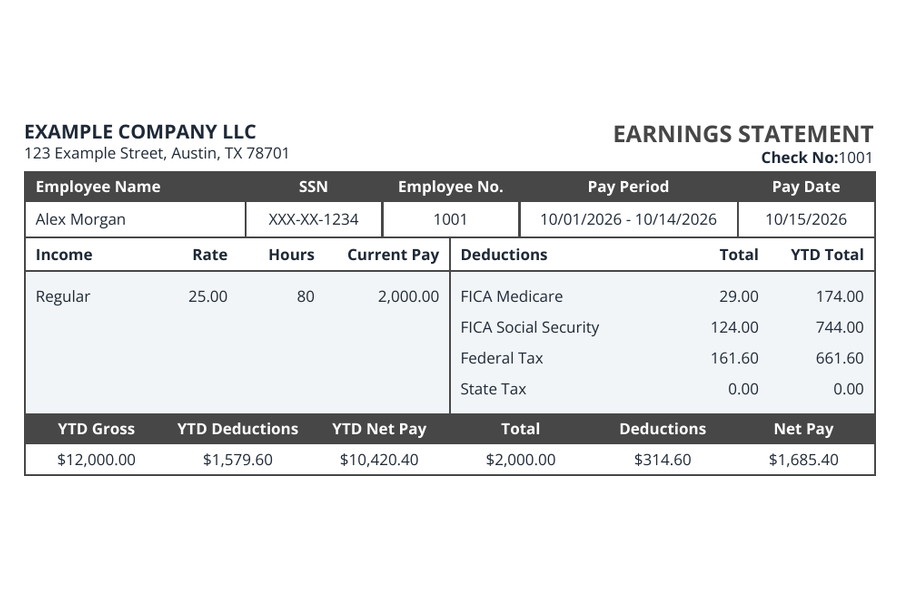
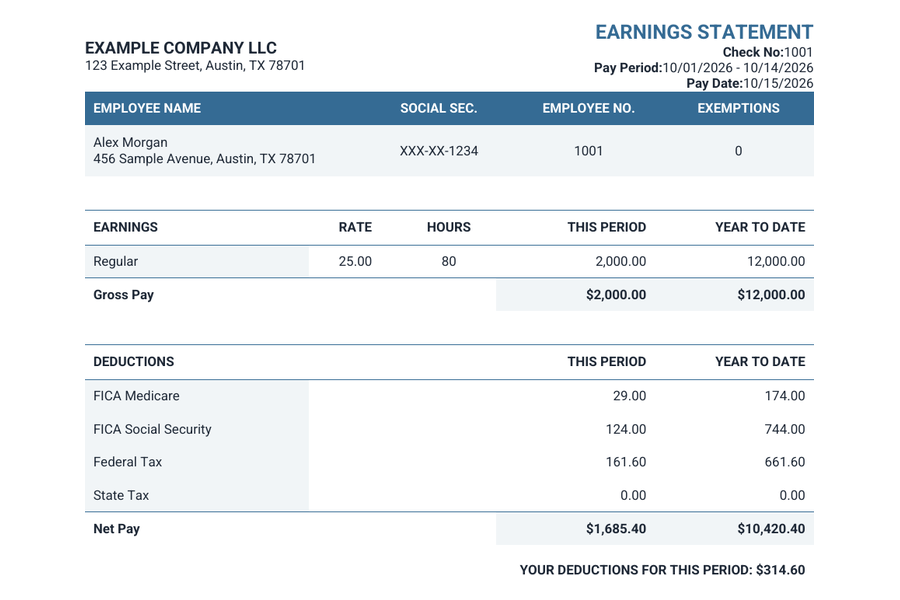
Create a pay stub using your actual payroll records. Choose from six PDF templates, review earnings and deductions, and keep a clear copy of every pay period.
Choose colors and fonts that suit your records.
Keep the finished statement as a PDF.
Review your details before checkout.
Choose from six pay stub templates.
Get a separate PDF for each stub.
Easily return to retrieve your documents.
Prepare your payroll statement in three steps: enter the records, inspect the preview and download your completed order.
Use company and employee records to enter the names, pay schedule, earnings and other details for the statement.
Choose a layout, then reconcile current earnings, deductions and year-to-date totals in the preview.
After completing checkout, download each pay stub as its own PDF. Save your files and keep the private order link secure.
See the entries and their document preview together. Move through each pay period, correct the details and inspect the result before purchasing.
Open the pay stub makerStart with the way you’re paid.
Keep each paycheck organized.
Check your document before you pay.
Buy the documents you need with a one-time payment. Check your full order total before you pay.
Add a coordinated deposit slip only if you need one.
Prepare the paperwork around a working day: an annual wage statement, contractor payment form, business invoice or employment letter.
Organize annual wages and withholding in a clear, ready-to-review statement.
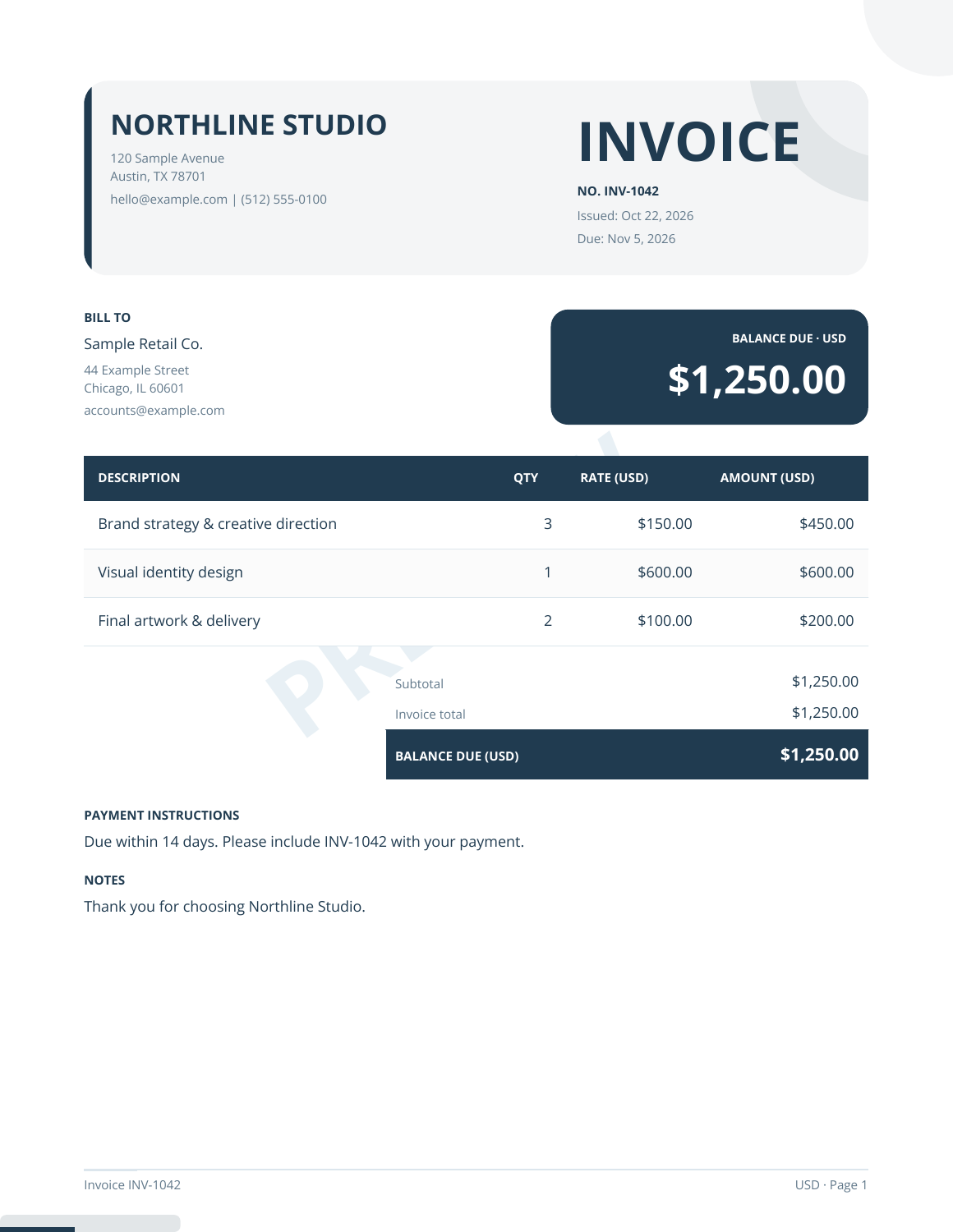
Turn your services and line items into a professional invoice for your client.
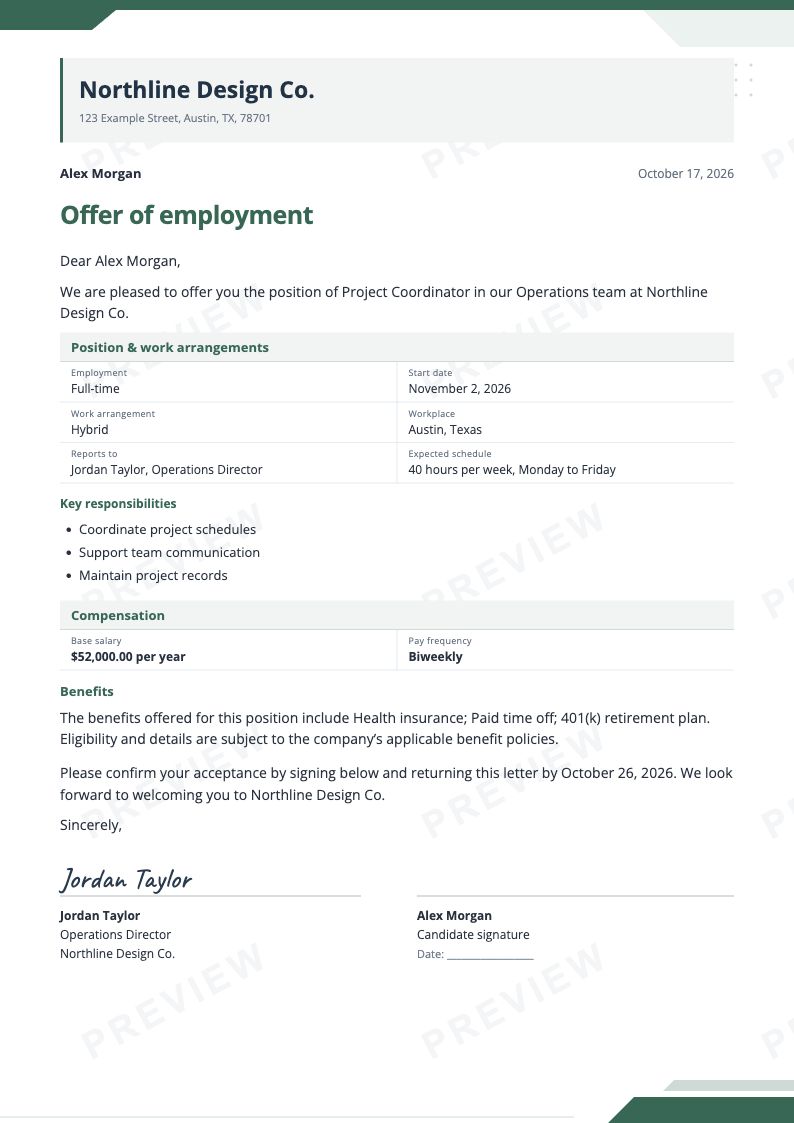
Give a new role a clear beginning. Put compensation, terms and next steps in writing.
Explore the full collection and find the tool for your next task.
PDF preparation tools. Government filing is not included.
Explore free 2025 and 2026 payroll estimates, with a separate line for federal withholding, state income tax and supported employee programs.
Learn how pay periods, earnings, deductions and YTD figures fit together, with practical reading for better-organized payroll records.
Find answers about previews, document scope and access to your completed order.
Gather employer and worker information, the payroll schedule, earnings and deduction records. Use those records throughout preparation and reconcile each entry before using the finished statement.
You can inspect the document preview before purchasing. Choose a layout, enter the details and check how the names, dates and amounts appear on the statement.
An order can contain several pay periods. Check each period separately because its hours and amounts may differ. Completed-order delivery includes a separate PDF attachment for every pay stub.
After payment confirmation, download the files from the completed-order page. The delivery email also contains the PDFs and a private return link. Keep your own copies and store the link securely.
Both familiar worksheets remain available in the Live Builder menu. That menu also leads to the lookup for earlier paid Regular and Enhanced orders.
Ask support about the correction and include the order reference so the team can locate the document. Describe the change without sending a full SSN or payment-card details.