

SELF-EMPLOYMENT TAXSchedule SE.
Schedule SE.
Self-employment figures, connected.
Bring the income and wage figures used for Schedule SE into one workspace, then review the resulting self-employment tax schedule.
$9.99USD per form
Complete PDF · Preview free
Pay when ready to download
Final 2025 IRS original · Prepare separate schedules for spouses.
YOUR SCHEDULE SE PREVIEWSelf-employment tax
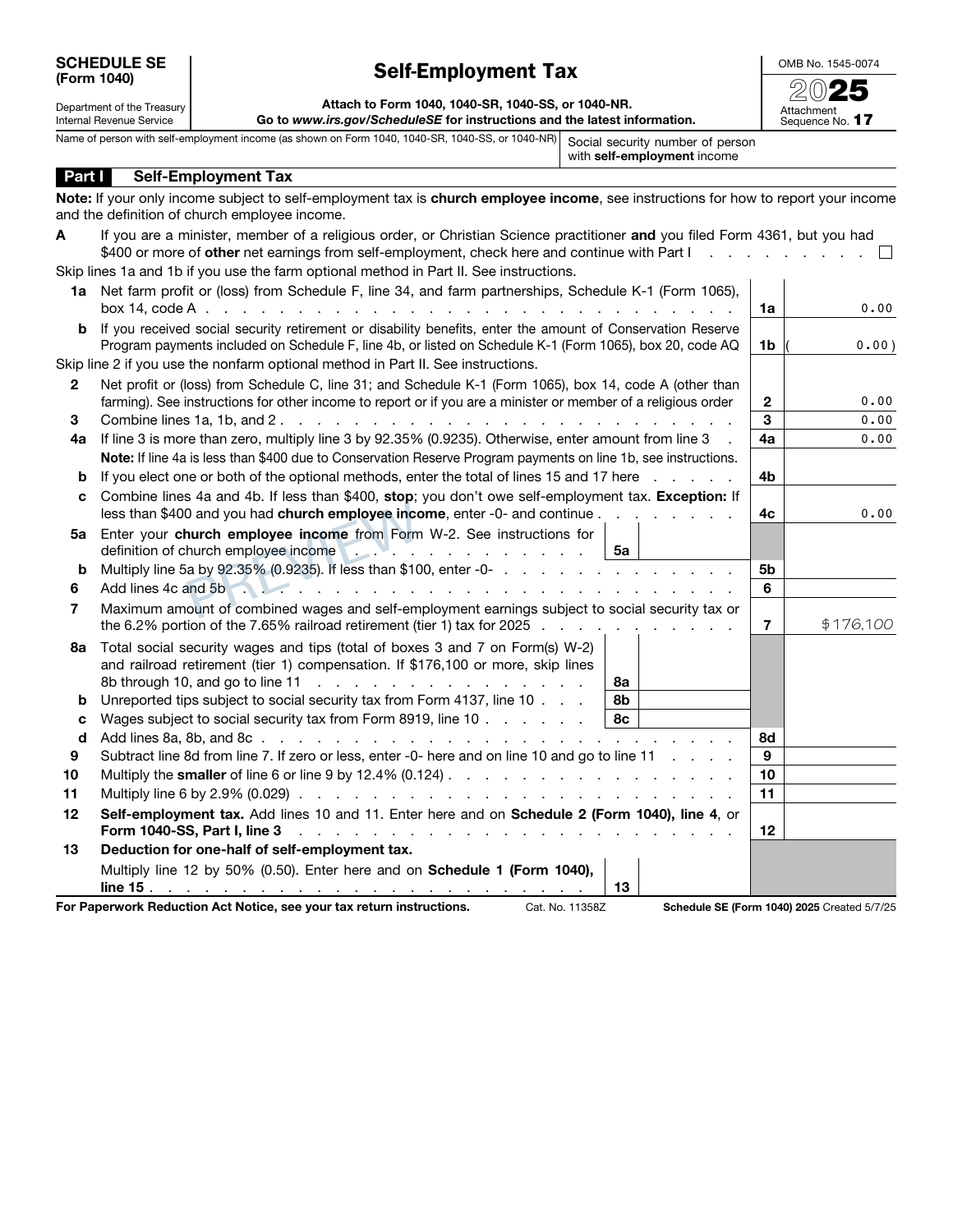
✓ Final IRS original✓ Calculated tax components✓ Private order access
PREPARE WITH YOUR RECORDS
Before you create your Schedule SE.
Start from the business or farm income figures prepared for your return. Keep wage records available so the schedule can be checked alongside the rest of your tax information.
Prepared self-employment income figures
Wage records and other applicable schedule inputs
THE DOCUMENT AND ITS LIMITS
Your PDF. Its purpose.
Prepare the self-employment tax schedule with the supported business income, wage and other inputs you provide. Review its figures alongside the business schedules and individual return that supply or receive those amounts.
The tool does not replace business bookkeeping, prepare every supporting return or submit the schedule to a government agency.
Check the official IRS Schedule SE information and instructions for filing requirements and supporting worksheets.
A FEW POINTS TO CHECKSchedule SE questions,
Schedule SE questions,
before you begin.
Should I use business receipts or prepared net income?
Use the figures called for by the schedule and supported by your prepared records. Do not substitute a receipt total for a different requested income amount. Keep the source business schedules available for reconciliation.
How can I check the Schedule SE before purchasing?
Complete the required entries and inspect the available preview pages. Reconcile the names, dates and figures with your source records before continuing to checkout.
What does the Schedule SE PDF cost?
$9.99 USD covers one form prepared with this builder. Review the supported edition, your entries and the complete order total before paying.
Can I return to this Schedule SE later?
Use Save for later to create a private editing link valid for 30 days. Completed-order access lasts 90 days. Keep those links secure and download your finished PDF for your own records.
FROM YOUR RECORDS TO A REVIEWED PDF
Open the builder Prepare your Schedule SE.
Start with your records. Check the preview. Complete your document when it is ready.