

DEPRECIATION & AMORTIZATIONForm 4562.
Form 4562.
Asset records, in a structured view.
Arrange prepared asset deduction figures on Form 4562, including the supported depreciation, section 179 and amortization entries.
$9.99USD per form
Complete PDF · Preview free
Pay when ready to download
Final 2025 IRS original. The final 2026 edition will be added when available.
YOUR FORM 4562 PREVIEWFull original page
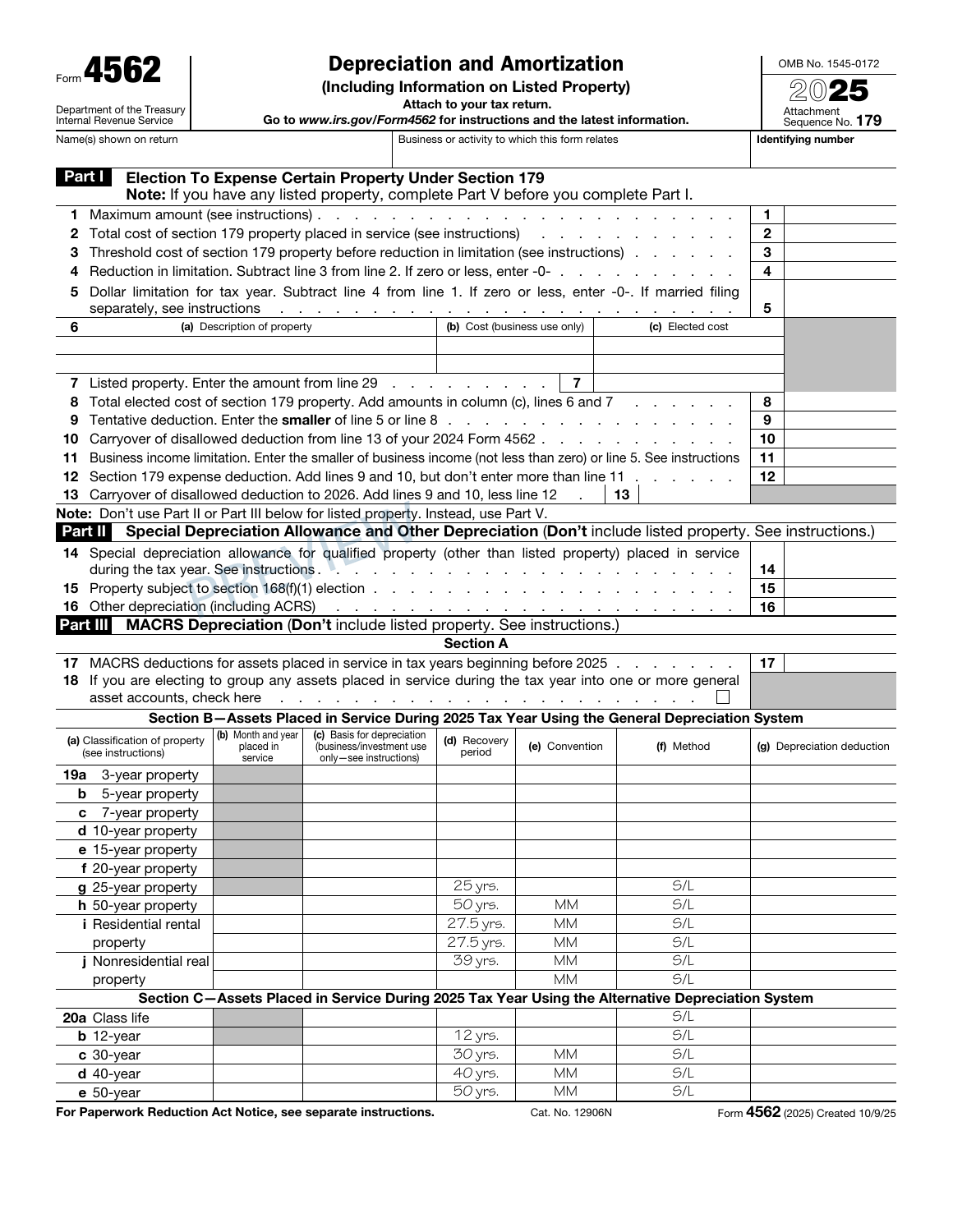
✓ Section 179 form limits✓ Separate listed-property records✓ All three original pages
PREPARE WITH YOUR RECORDS
Before you create your 4562.
Keep an asset schedule beside the form. Acquisition details, business use and prior deductions help you check the current entries without losing their history.
Cost, business-use and prior deduction records
Prepared depreciation and amortization amounts
THE DOCUMENT AND ITS LIMITS
Your PDF. Its purpose.
All three original pages provide room for the supported asset deduction, section 179, depreciation and amortization entries. Review the form alongside the asset schedule so current amounts remain connected to cost, business use and prior deductions.
The tool does not determine every asset-specific method, election, vehicle limit, recapture amount or specialized calculation. Additional worksheets and the related return may still be needed.
Check the official IRS 4562 information and instructions for filing requirements and supporting worksheets.
A FEW POINTS TO CHECK4562 questions,
4562 questions,
before you begin.
Does the builder calculate every asset’s full depreciation history?
No. Keep a prepared asset schedule and any specialized calculations available. Enter the requested figures from those records, then reconcile the form’s supported totals with the deduction being reported.
How can I check the 4562 before purchasing?
Complete the required entries and inspect the available preview pages. Reconcile the names, dates and figures with your source records before continuing to checkout.
What does the 4562 PDF cost?
$9.99 USD covers one form prepared with this builder. Review the supported edition, your entries and the complete order total before paying.
Can I return to this 4562 later?
Use Save for later to create a private editing link valid for 30 days. Completed-order access lasts 90 days. Keep those links secure and download your finished PDF for your own records.
FROM YOUR RECORDS TO A REVIEWED PDF
Open the builder Prepare your 4562.
Start with your records. Check the preview. Complete your document when it is ready.